Ripplock
Tap the tempo. Lock the waves.
Ripplock shows you a BPM and nothing else. Tap, and every tap throws a ripple into the field; too fast or too uneven and the waves fight each other, steady and on tempo and they snap into resonance — LOCKED. Score, combo, new BPM, less time. Fail and the run ends.
Public Beta Open to everyone on TestFlight — the latest build, before it reaches the App Store.
- No metronome, no music knowledge. Nothing pulses at the target; you find the tempo by feel. Early rounds are forgiving, later ones are not.
- Two ways to miss. A perfect, even 132 doesn’t pass 140 — and neither does a ragged average of 140.
- Plays silently. Built for the wrist and the bus queue; one big button, instant start, haptics for lock and fail.
Use it when… there are ninety seconds to kill and you want a game you can play without a sound.
iPhone
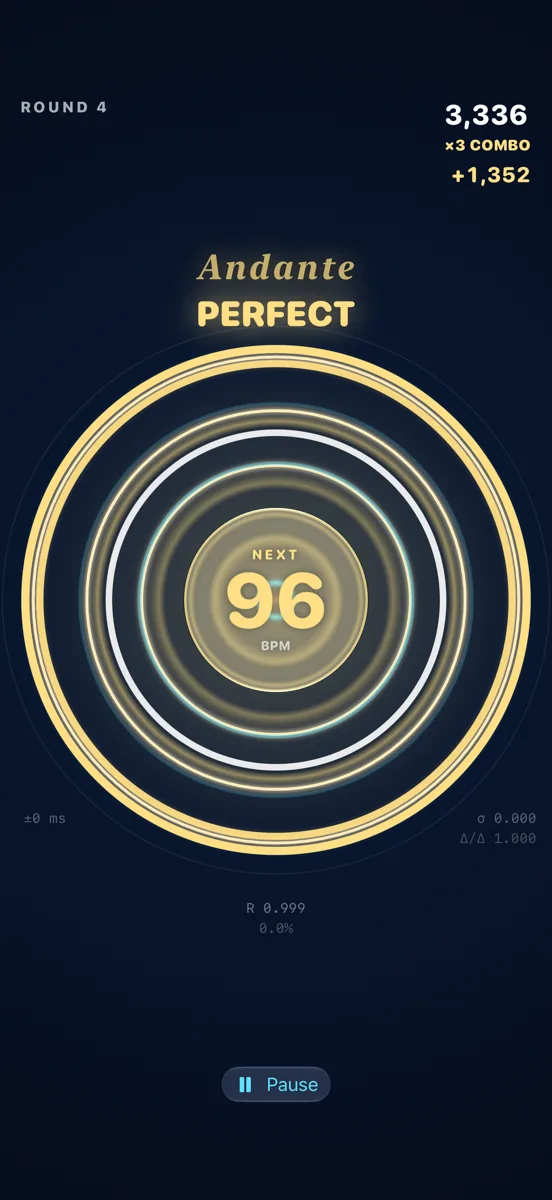
Waves Snapping Into Resonance
Steady and on tempo — PERFECT
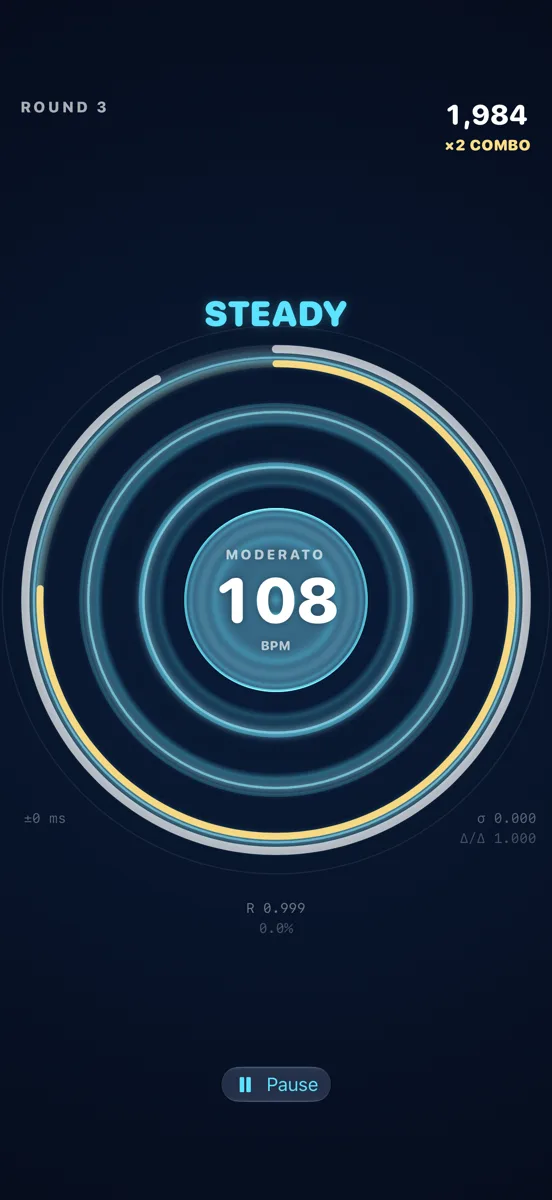
Hold It Steady
Even taps build a standing wave and bank clock time
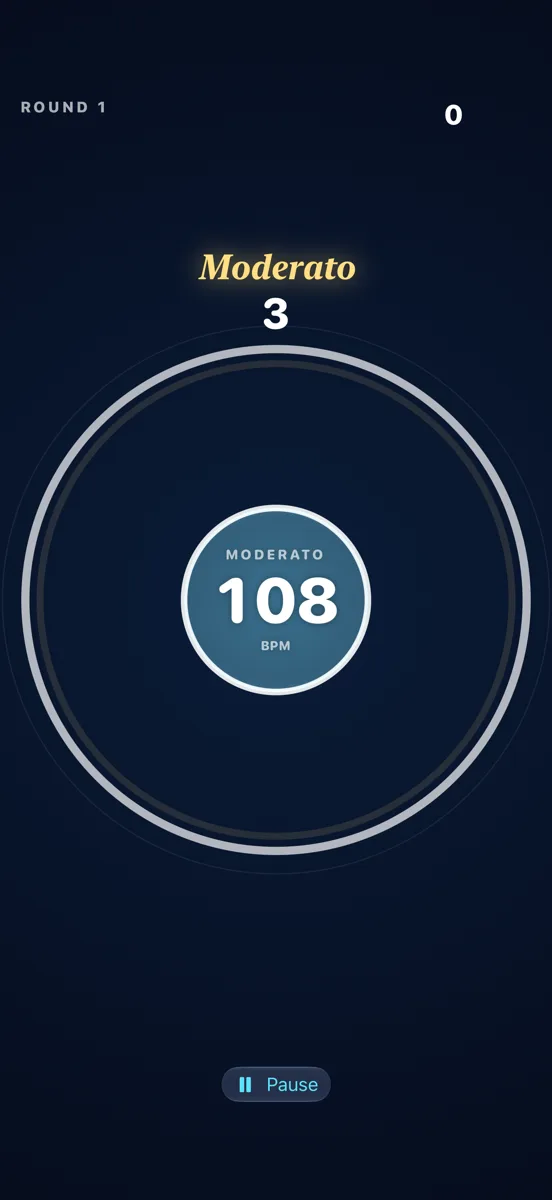
Every Tempo Has a Name
Moderato, Andante, Allegro — written above the field
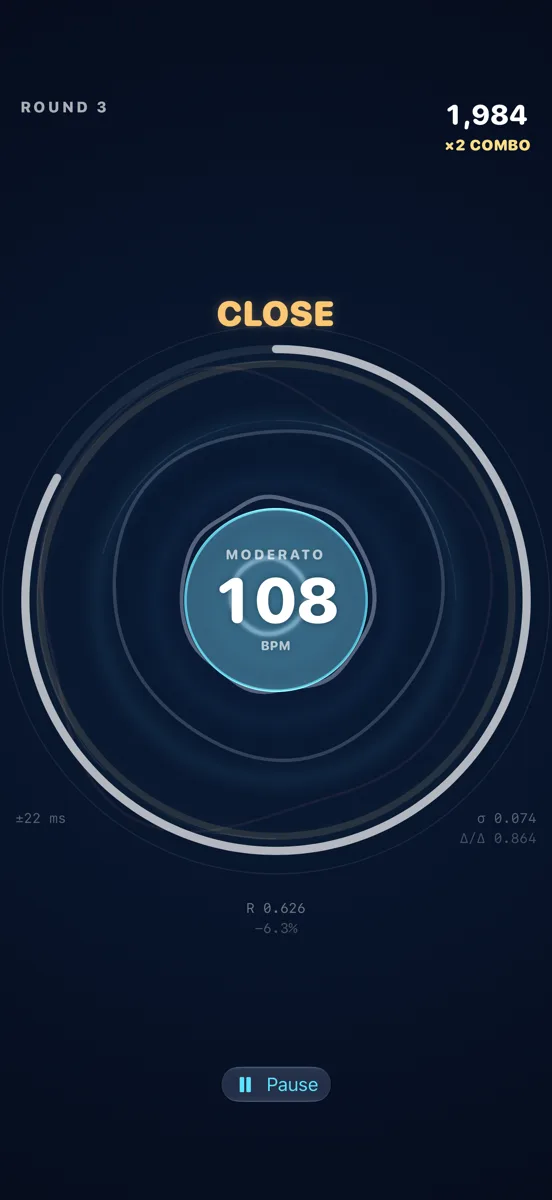
Find It By Feel
Tangled when you’re off, clean rings when you’re close
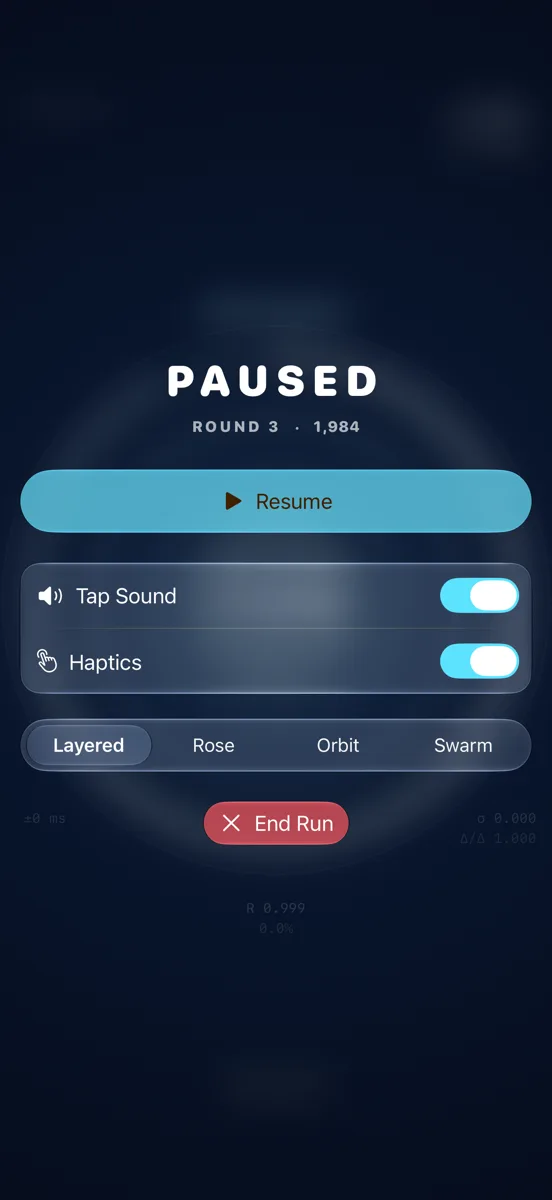
Pause Any Time
Resume, change the backdrop, or end the run
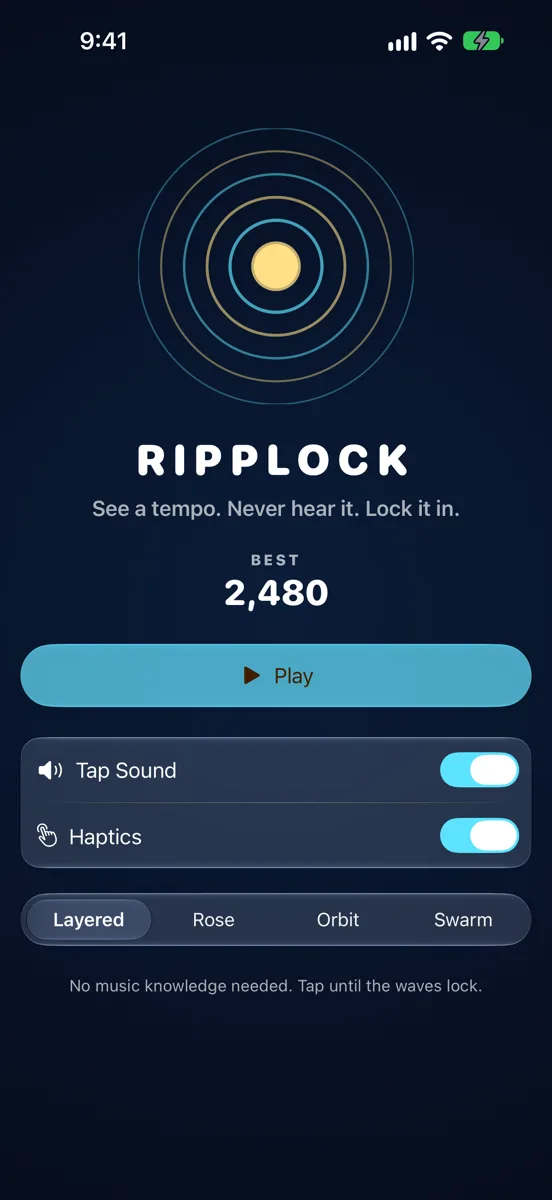
One Button, Instant Start
No tutorial, no sign-in — tap Play
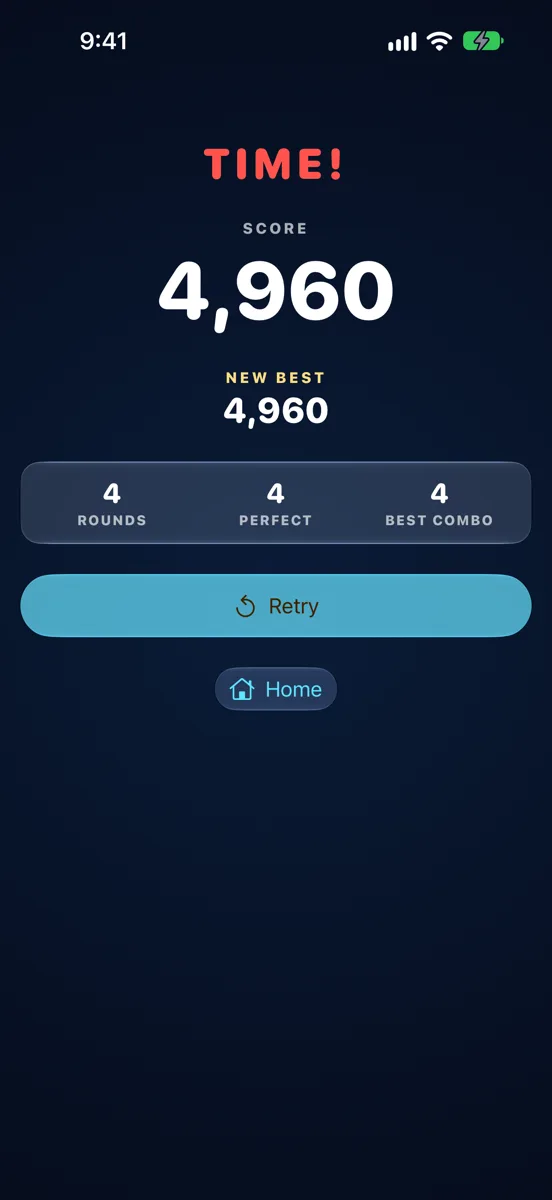
The Clock Always Wins Eventually
Rounds, perfects and best combo, then Retry
iPad
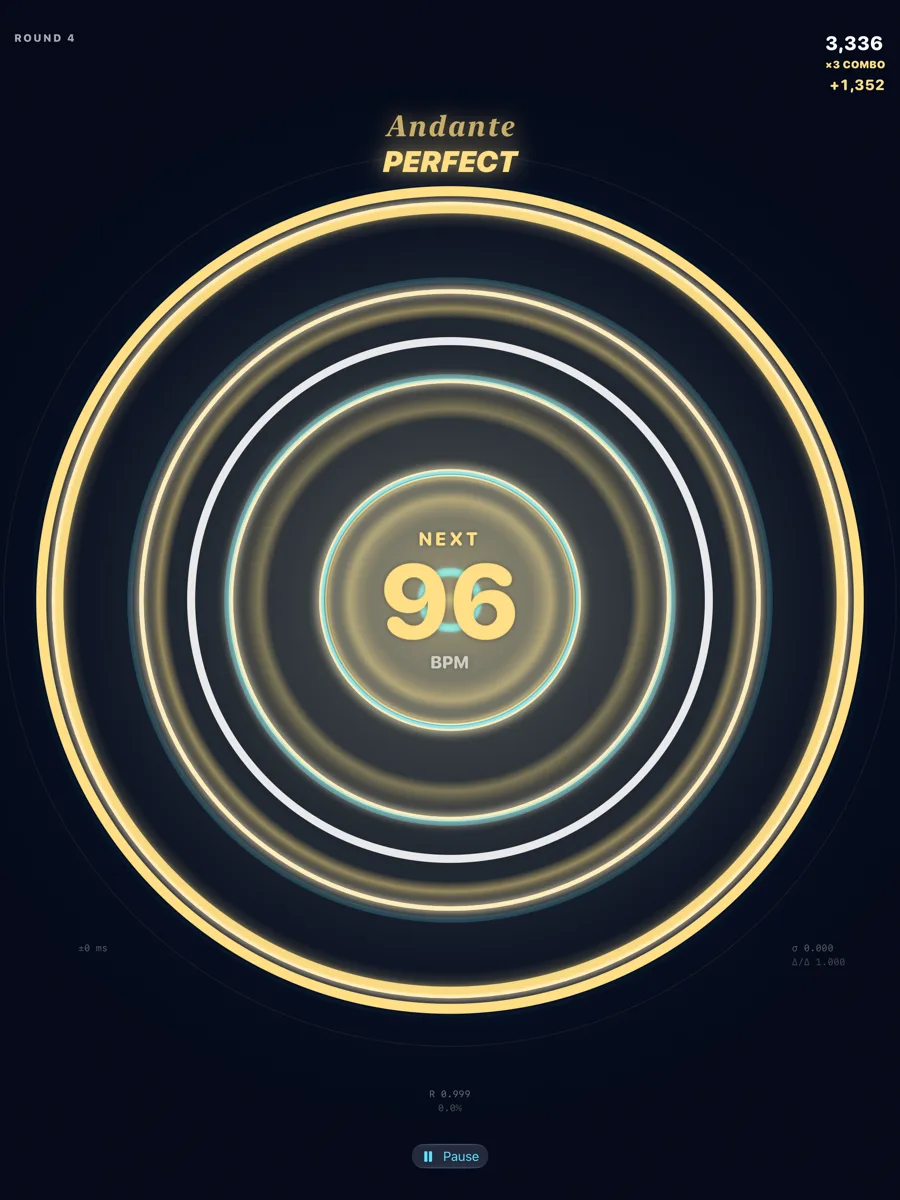
The Field Fills the Screen
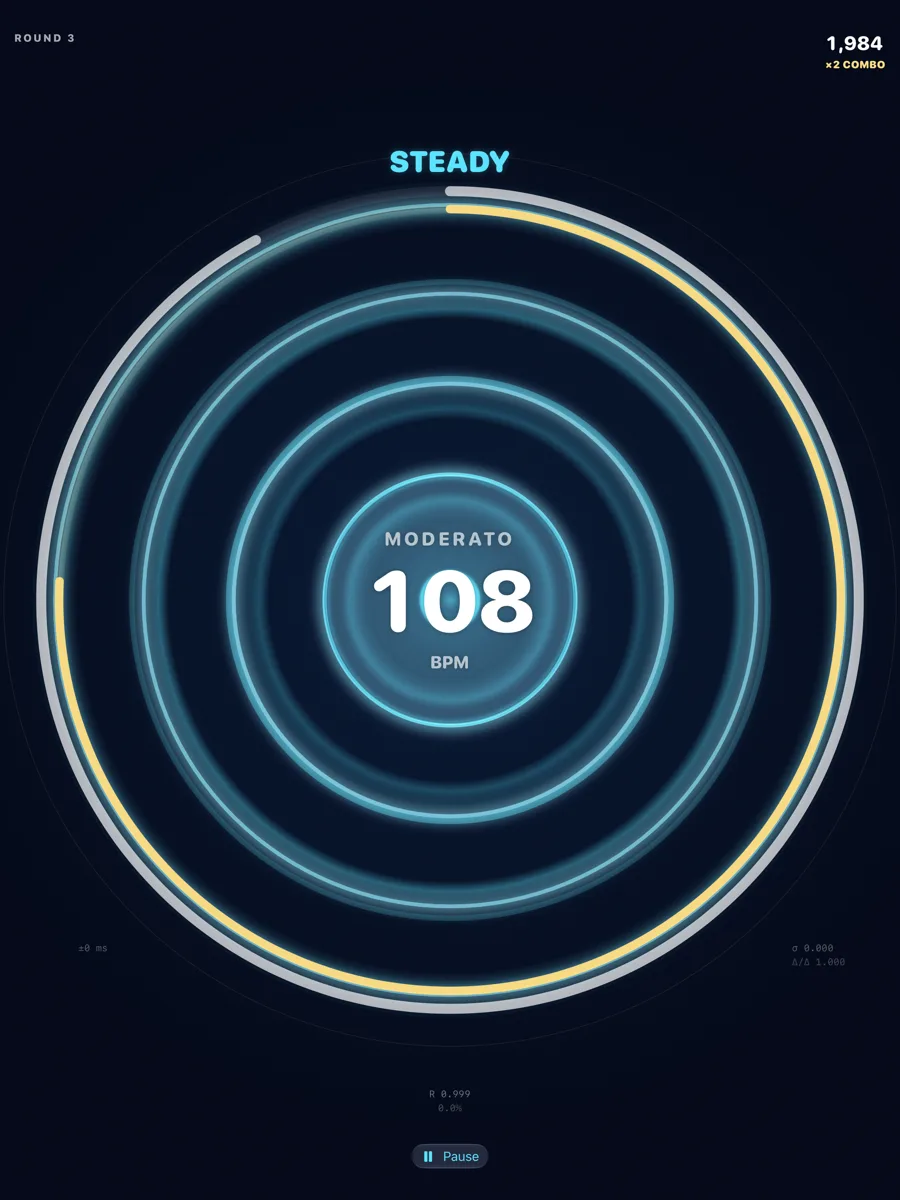
Hold It Steady
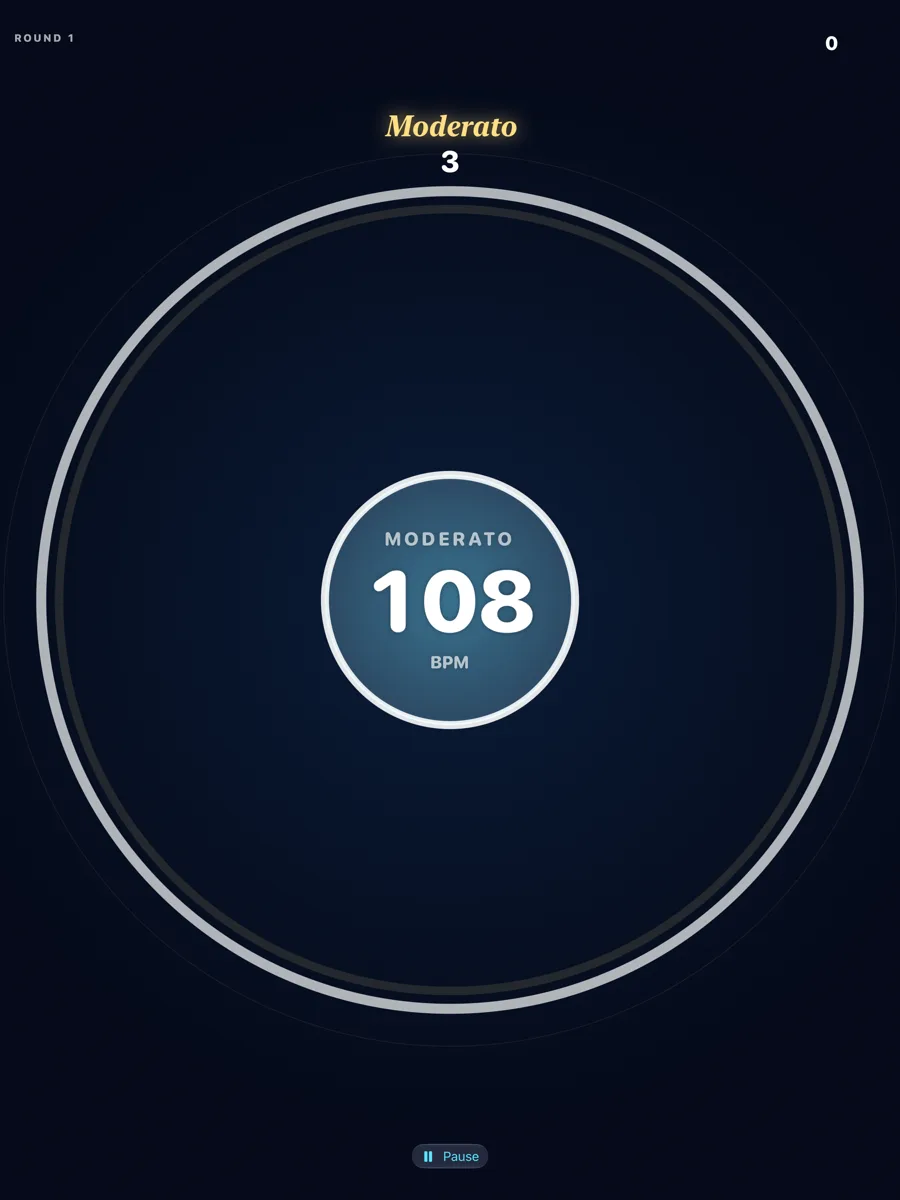
Every Tempo Has a Name
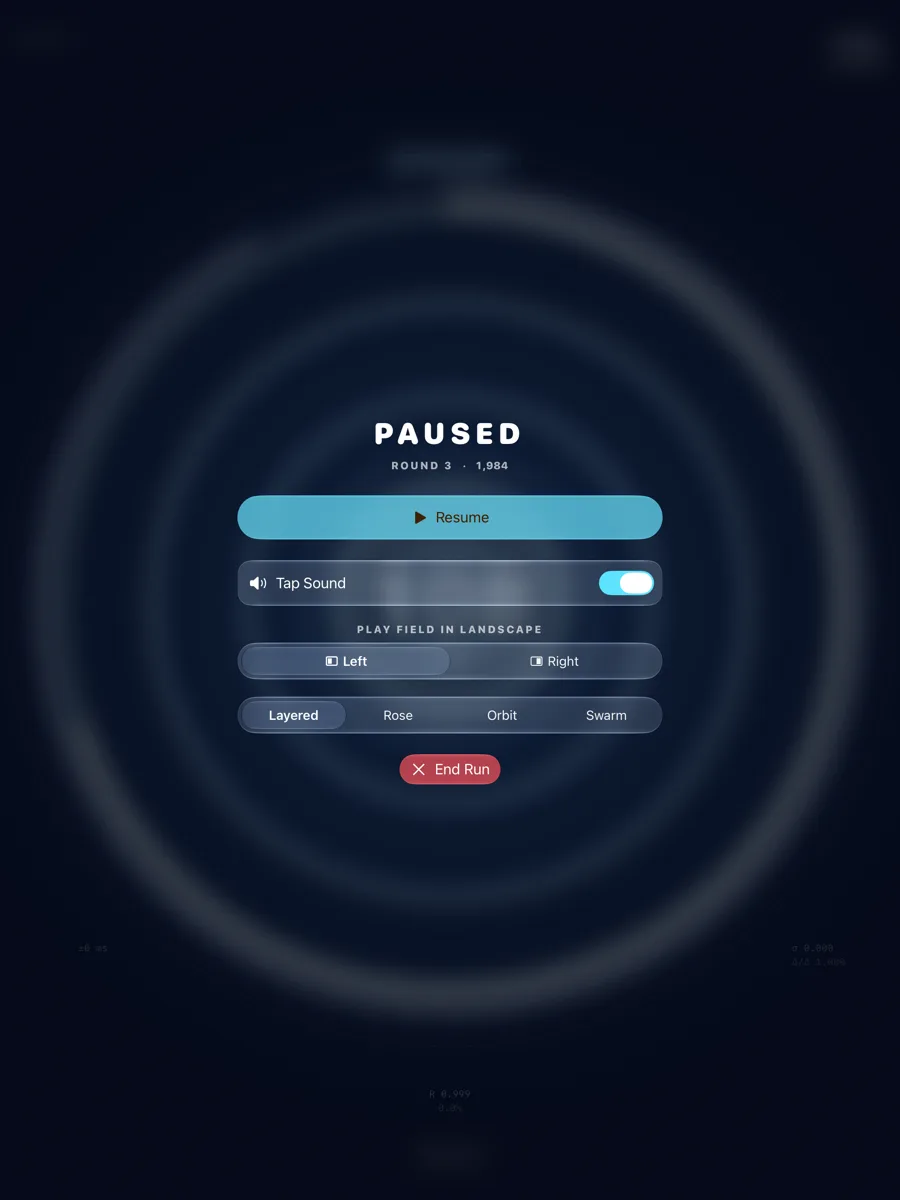
Pause Any Time
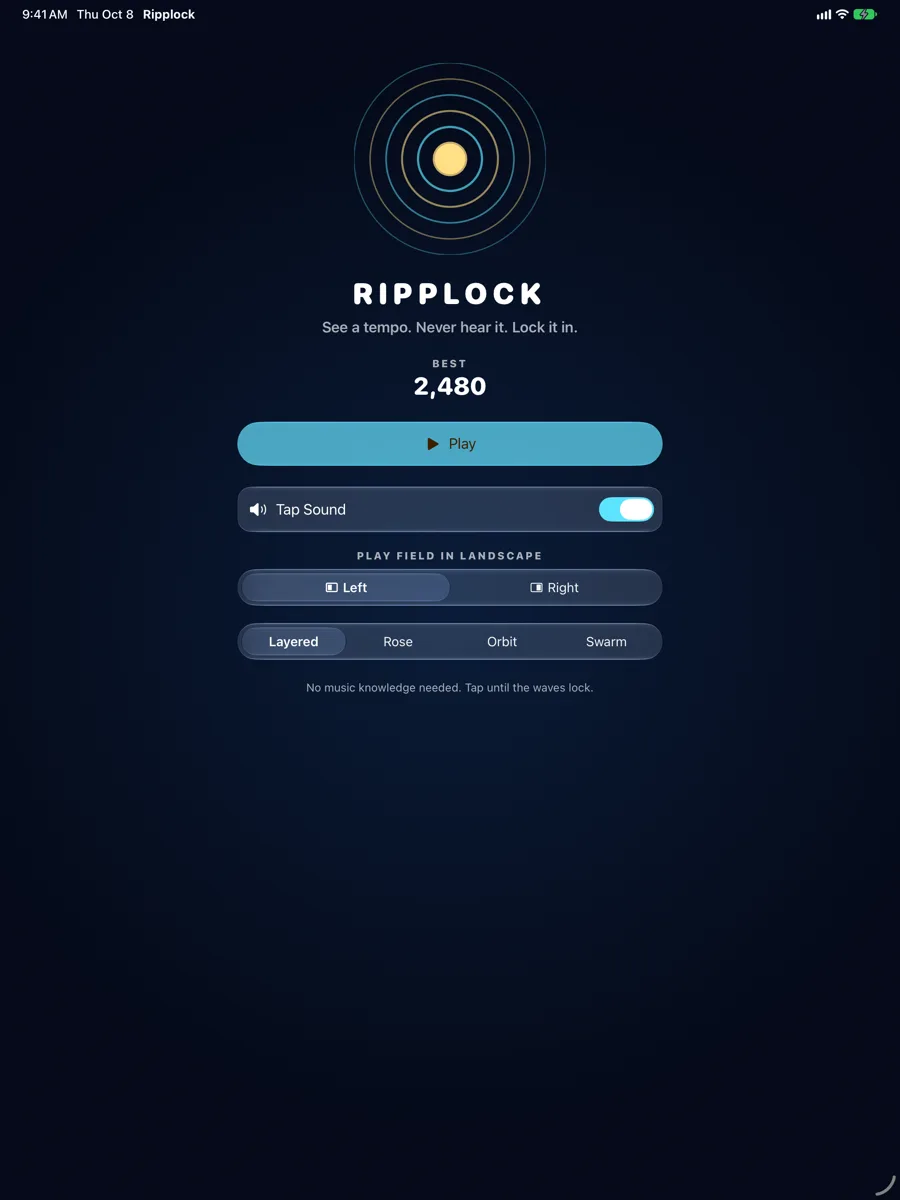
One Button, Instant Start
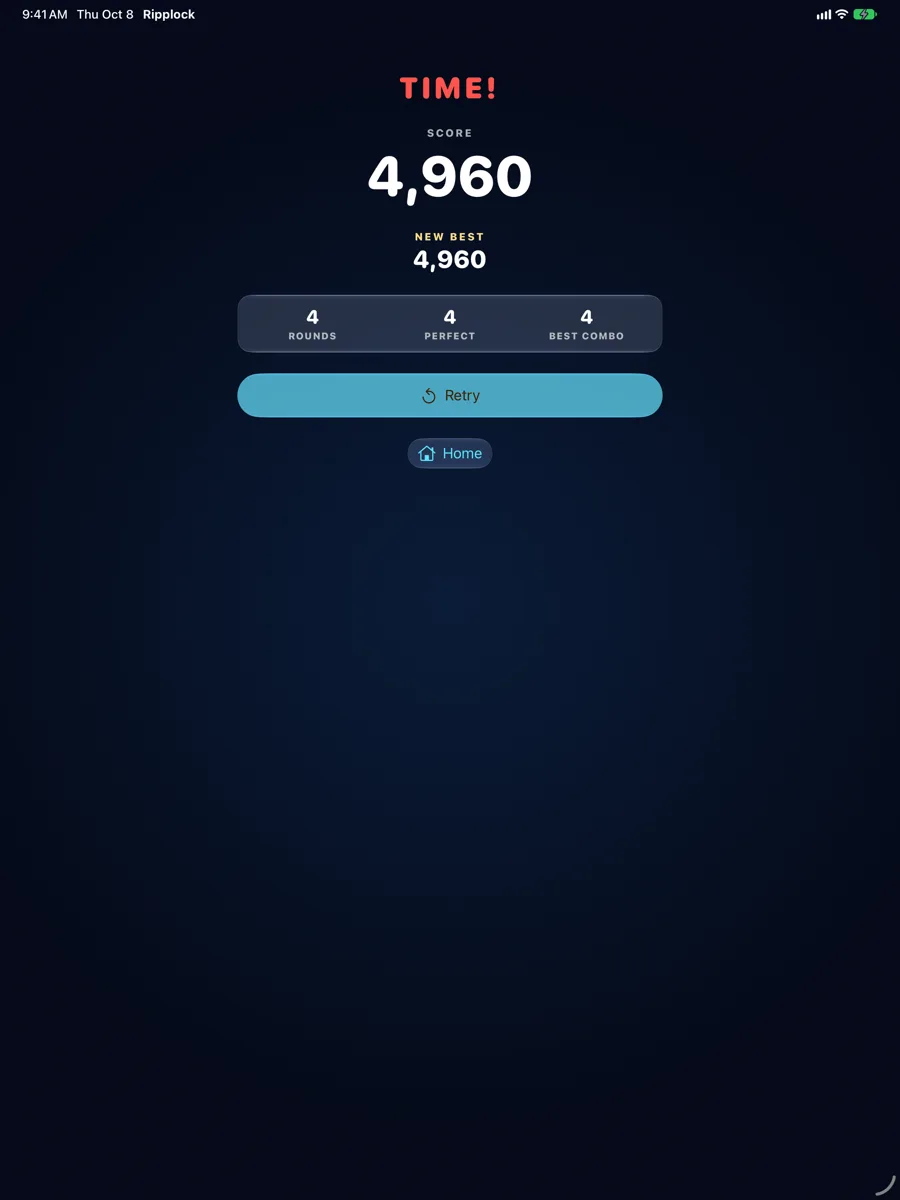
The Clock Always Wins Eventually
Apple Watch
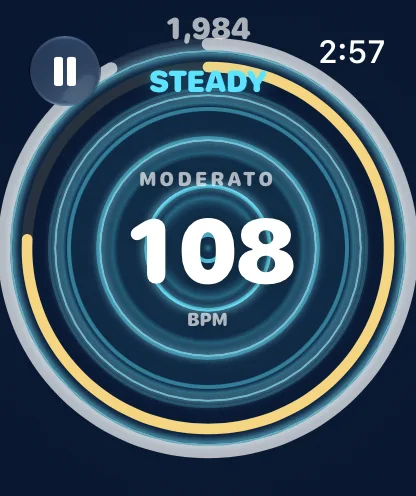
A Complete Game on Your Wrist
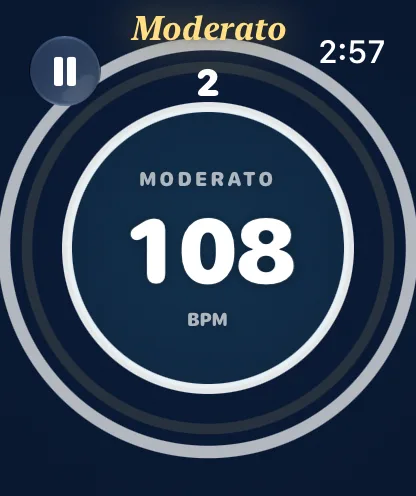
Every Tempo Has a Name
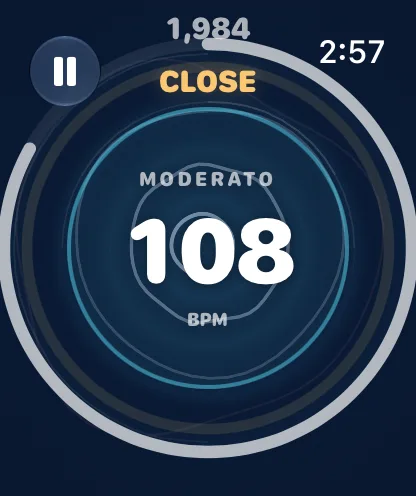
Find It By Feel
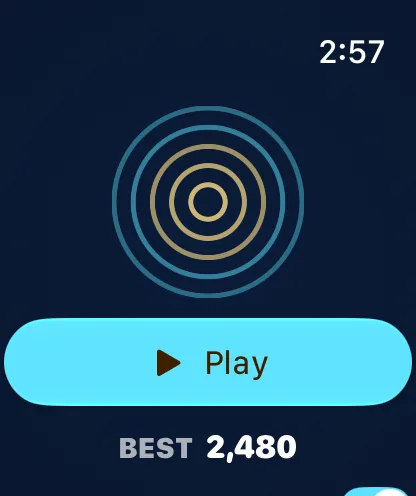
One Button, Instant Start
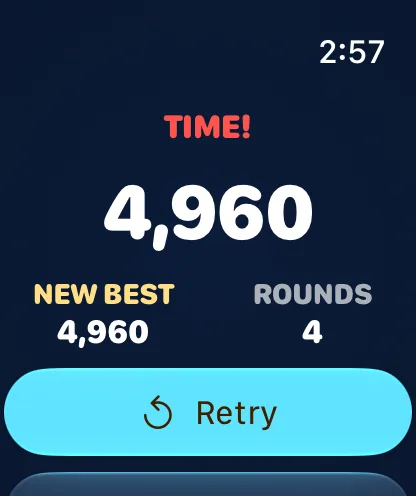
One Tap Retries
Features
No Music Knowledge Needed
Nothing pulses, flashes or buzzes at the target tempo. Feedback is arcade words only: TOO SLOW, TOO FAST, CLOSE, STEADY, LOCKED, PERFECT.
Two Things Measured at Once
How close your tempo is, and how steady your taps are — independently. A perfectly even tap at the wrong speed won’t lock, and neither will the right speed made of uneven taps.
An Arcade Run
A new target tempo the moment you lock. The clock shrinks, the tempo range widens and the jumps get bigger as you go. Fast and PERFECT locks build a combo.
Built for Your Wrist
A complete game on Apple Watch on its own, no iPhone needed. One huge tap target, a two-second start, and strong haptics for the lock and the miss.
Bigger on iPhone and iPad
A bigger ripple field and score display on iPhone; on iPad the field fills the screen.
Sound Optional, Haptics That Matter
Each tap can play a short tone — your tap, never the answer. Haptics are reserved for the countdown, nearly there, the lock, the miss and a new best.
One Tap Retries
The run ends, the score is shown with rounds and best combo, and Retry starts the next attempt immediately.
Private by Design
No account, no tracking, no ads, no network. Your best score stays on your device.
About
Ripplock is an arcade rhythm game from Dansk Rumskrot. It never plays, shows or vibrates the target tempo — you find it by feel, and the game judges your speed and your steadiness separately before the waves are allowed to lock.
Join the beta
Want a say in where Ripplock goes next? Join the public beta on TestFlight and try new builds before they reach the App Store.
The beta runs in Apple’s TestFlight app. Install TestFlight, then tap Join — TestFlight installs the beta build of Ripplock and offers each new build as it’s ready.
Purchases in TestFlight builds are test purchases: you’re never charged, and they don’t carry over to your account or to the App Store version. Purchases in the App Store version are real — please make sure which version you’re using; we can’t take responsibility for purchases made by mistake.
Spot a bug, a rough edge or a missing feature? Take a screenshot in the beta build and TestFlight offers to send it as feedback, or use Send Beta Feedback in the TestFlight app. Every report is read and helps decide what gets built and fixed next — there’s no support desk behind it, so reports aren’t answered one by one.
To leave the beta, open Ripplock in the TestFlight app and tap Stop Testing.