RoadLens – What’s Ahead
No destination. No list. Just what’s coming up.
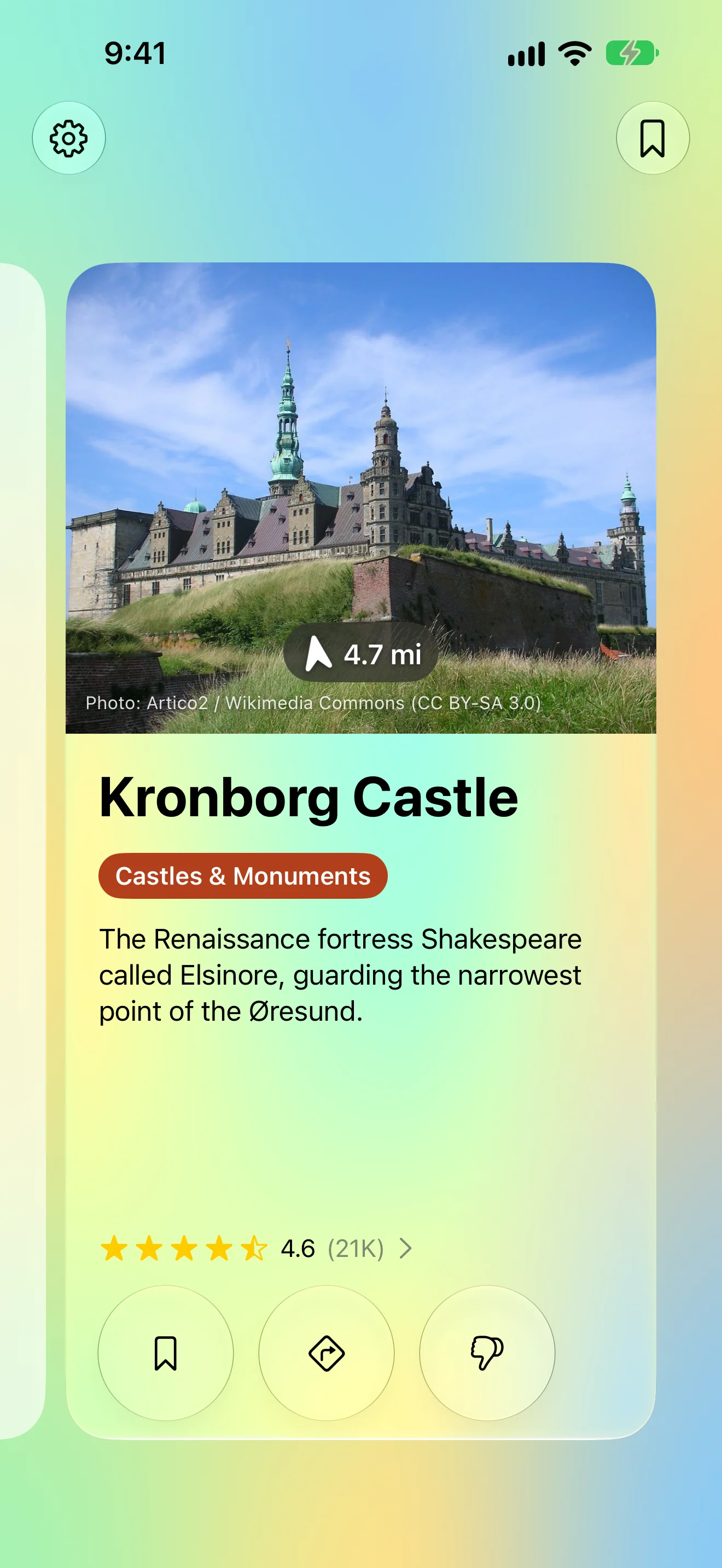
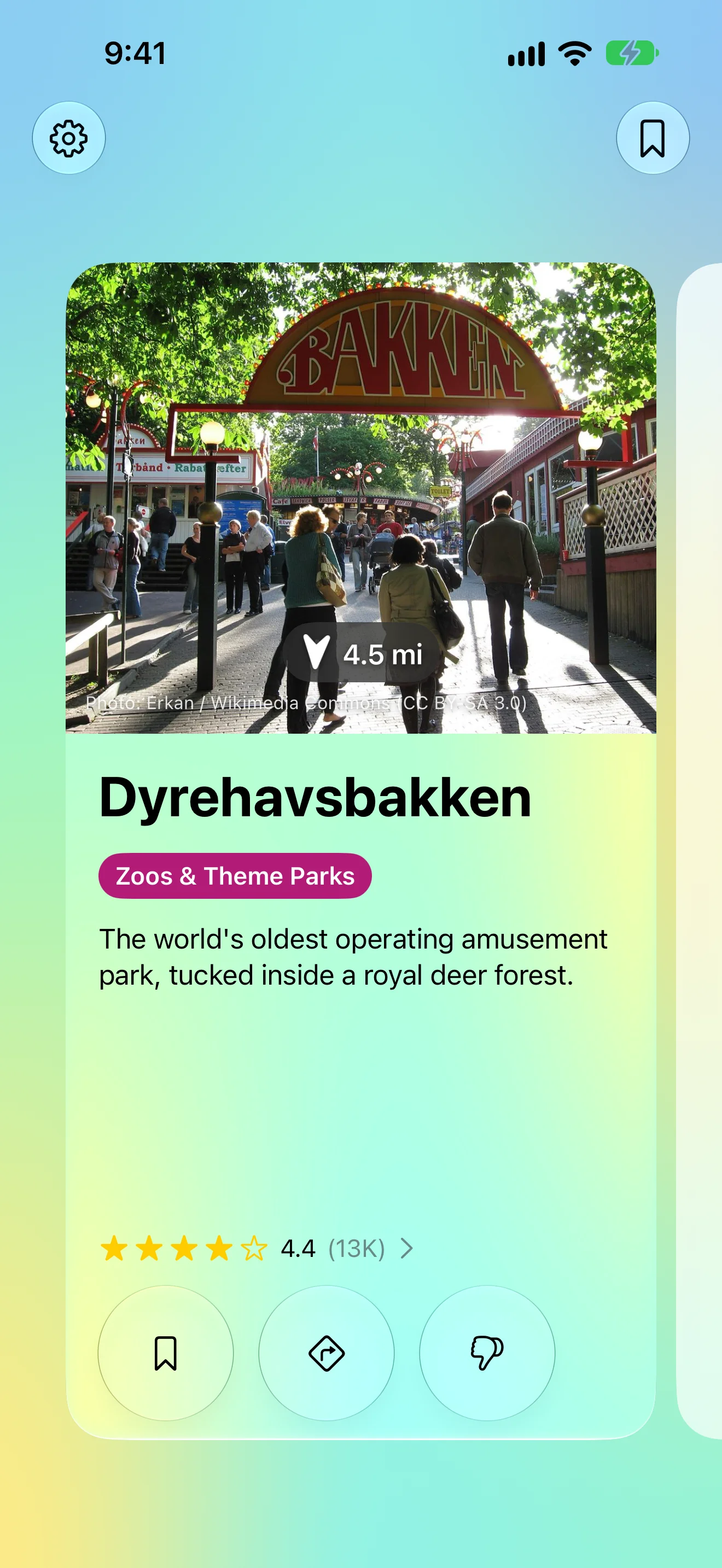
RoadLens watches the road ahead and shows one card when something worth a stop is near: a photograph, the name, the distance and an arrow for where to look. Tap it for the story and directions; swipe back along the rail for anything you passed.
View release notes →
- Readable in two seconds. The photo is the biggest thing on the card; several places stack into a deck, nothing scrolls.
- Only what you care about. Castles, nature, museums, bakeries, campsites — toggle each, or describe what you’re after in a sentence.
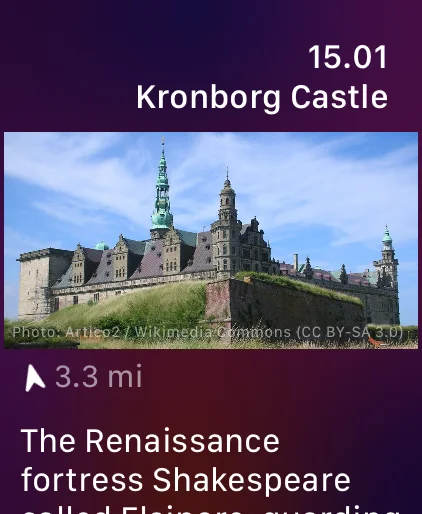
- Runs on your wrist too. The Apple Watch app keeps its own radar going for an hour with the phone in your pocket.
Use it when… it’s a long drive with no plan, and the kids are asking what that tower was.
iPhone
Worth Stopping For, Just Ahead
A photo, how far, which way — on your wrist too
How Far, Which Way
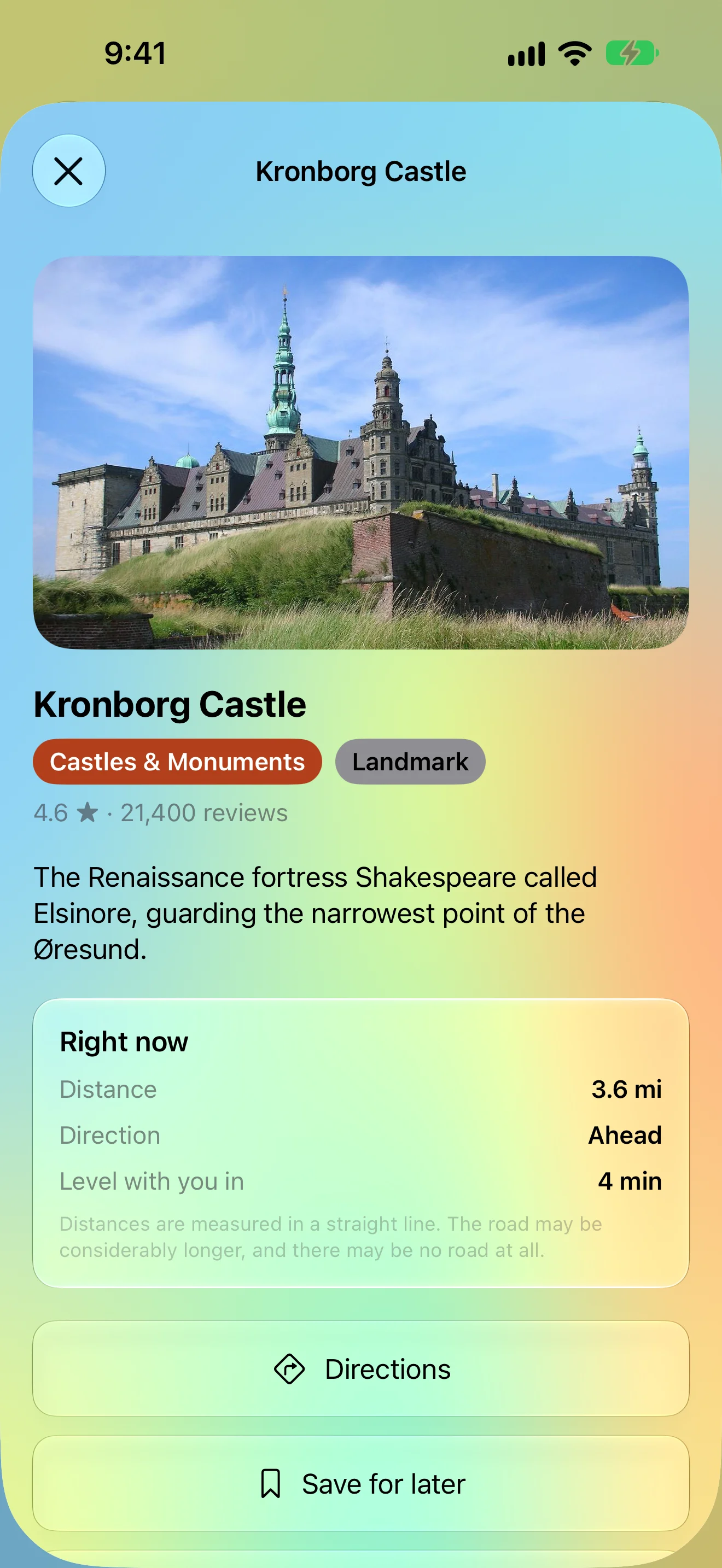
Distance, direction, and when it’s level with you
Missed One? Swipe Back
Every place from this drive, one swipe away
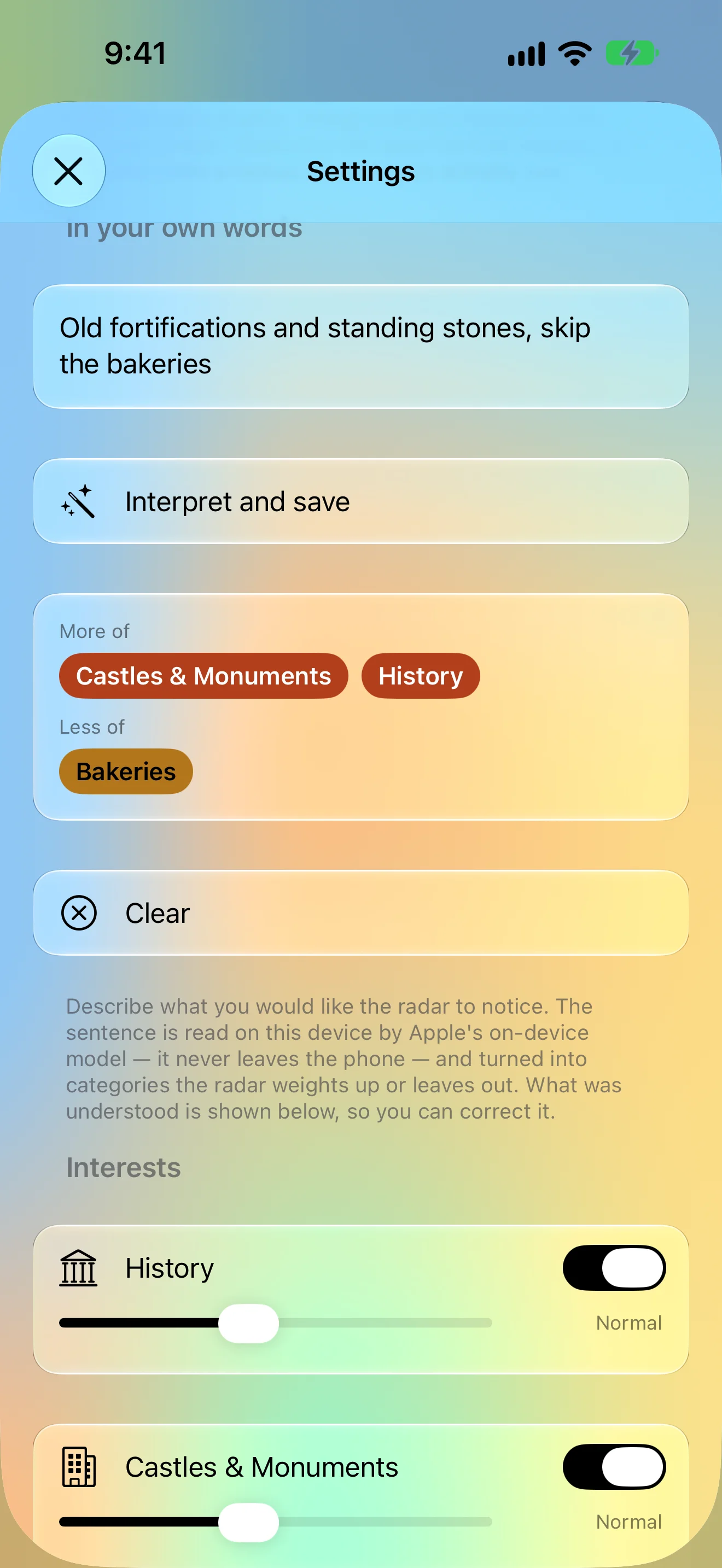
Say What You’re After
One sentence retunes the radar
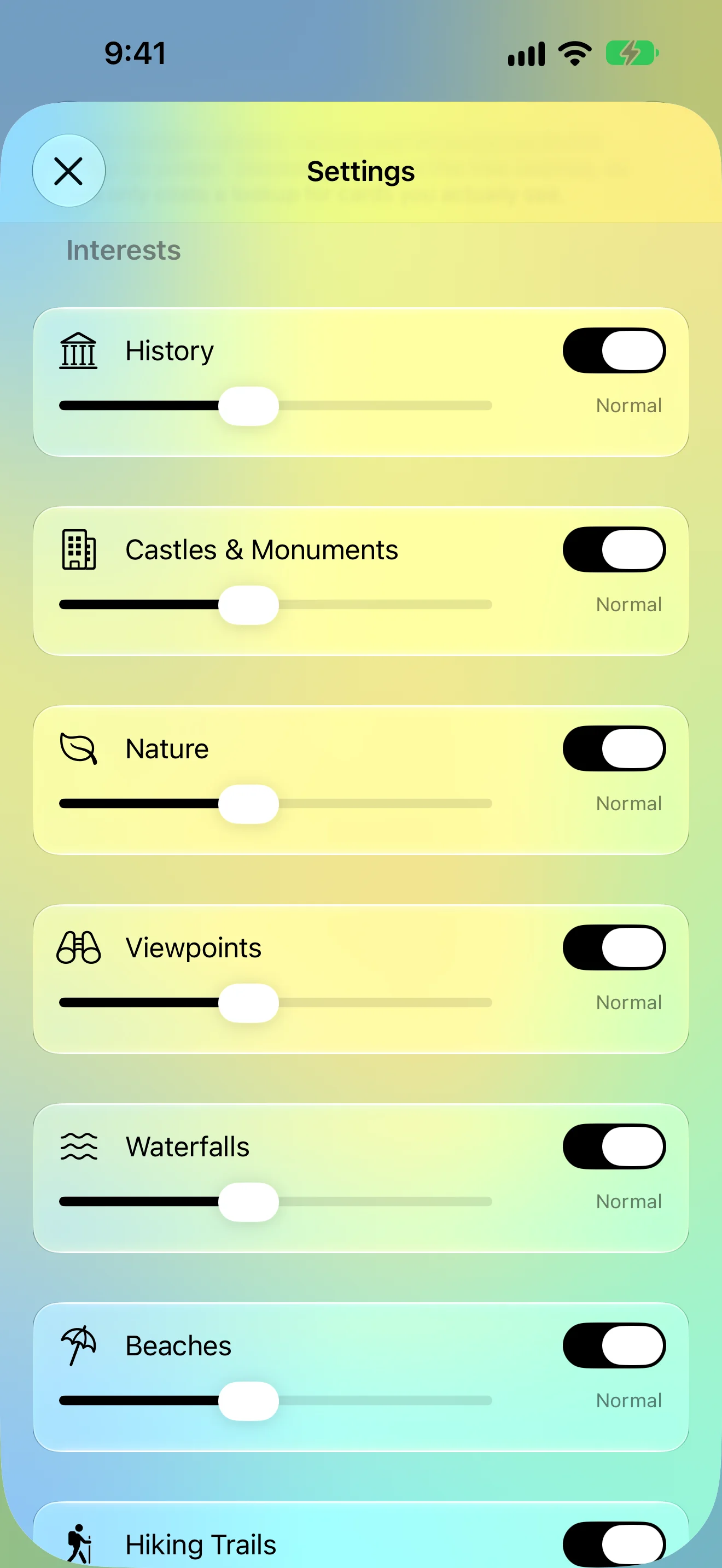
Only What You Care About
Switch and tune every category
iPad
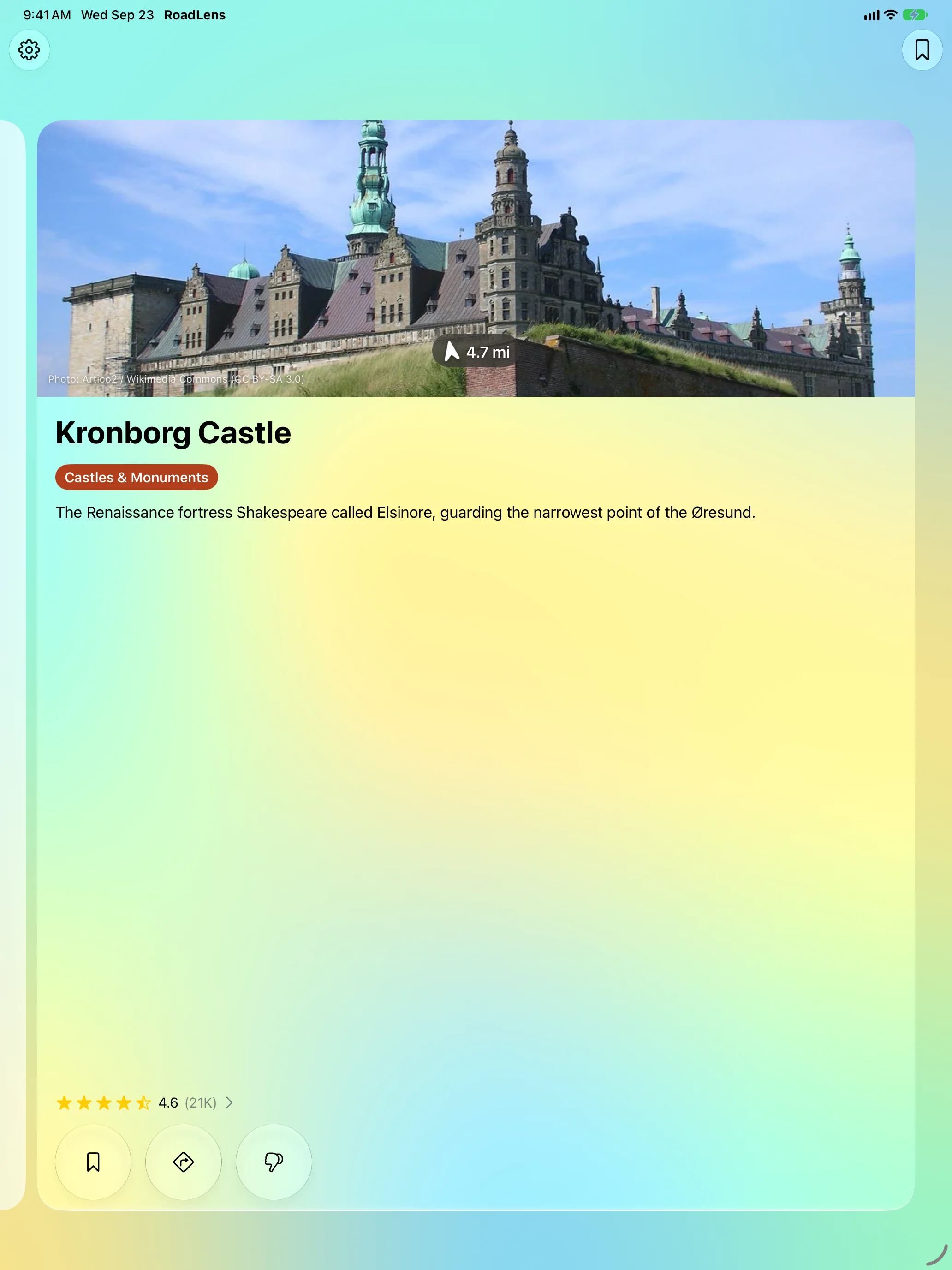
Worth Stopping For, Just Ahead
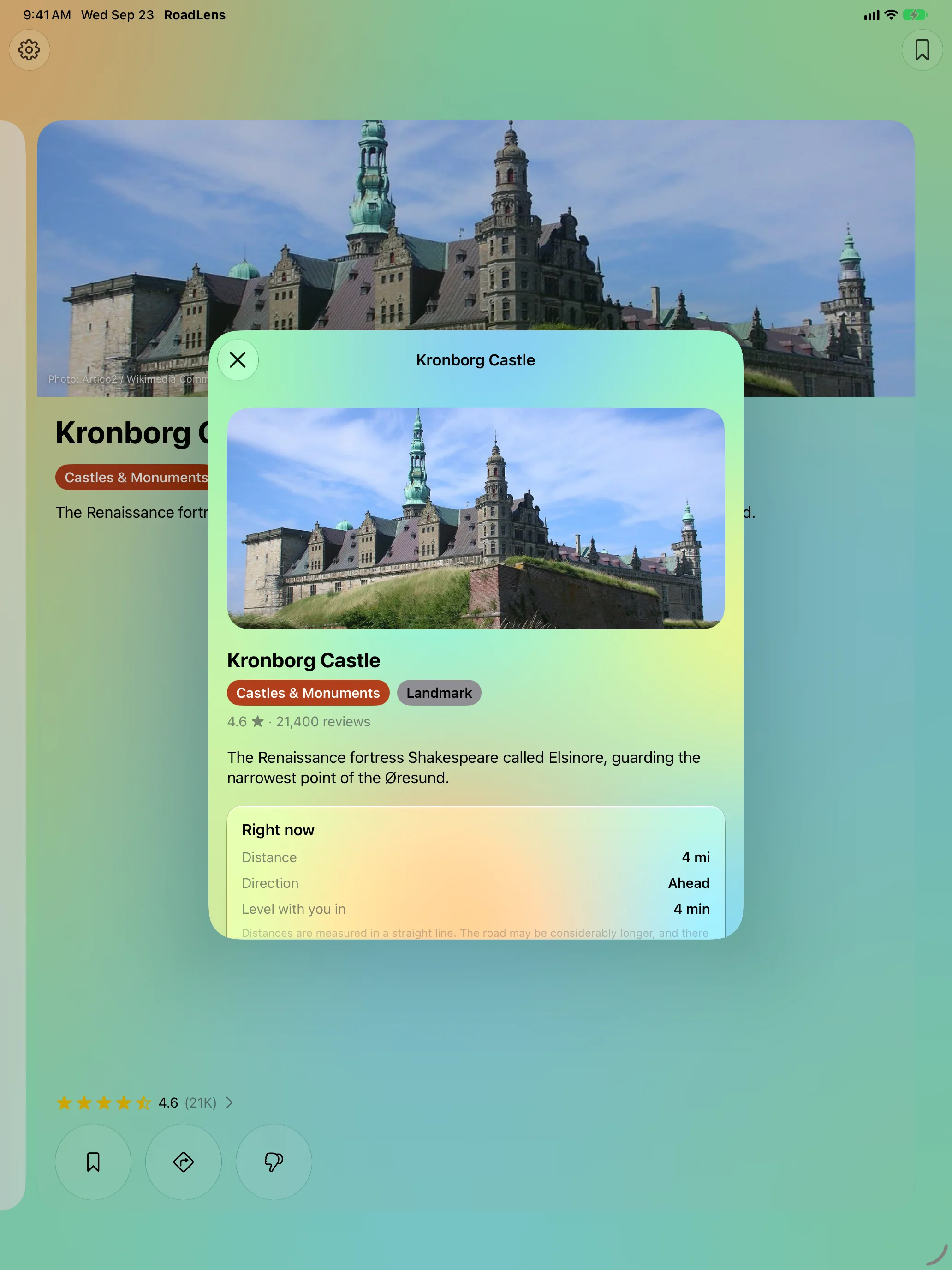
How Far, Which Way
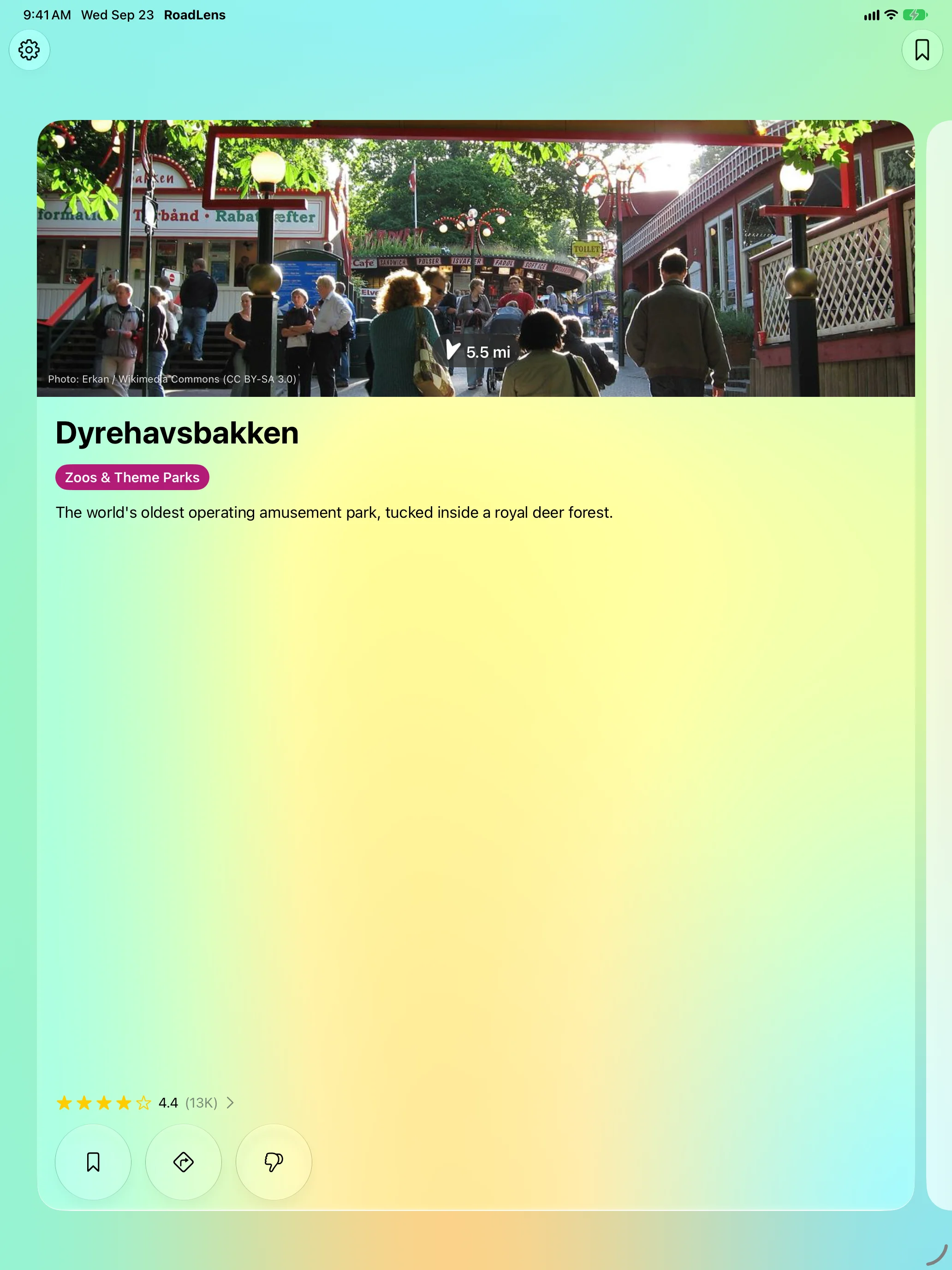
Missed One? Swipe Back
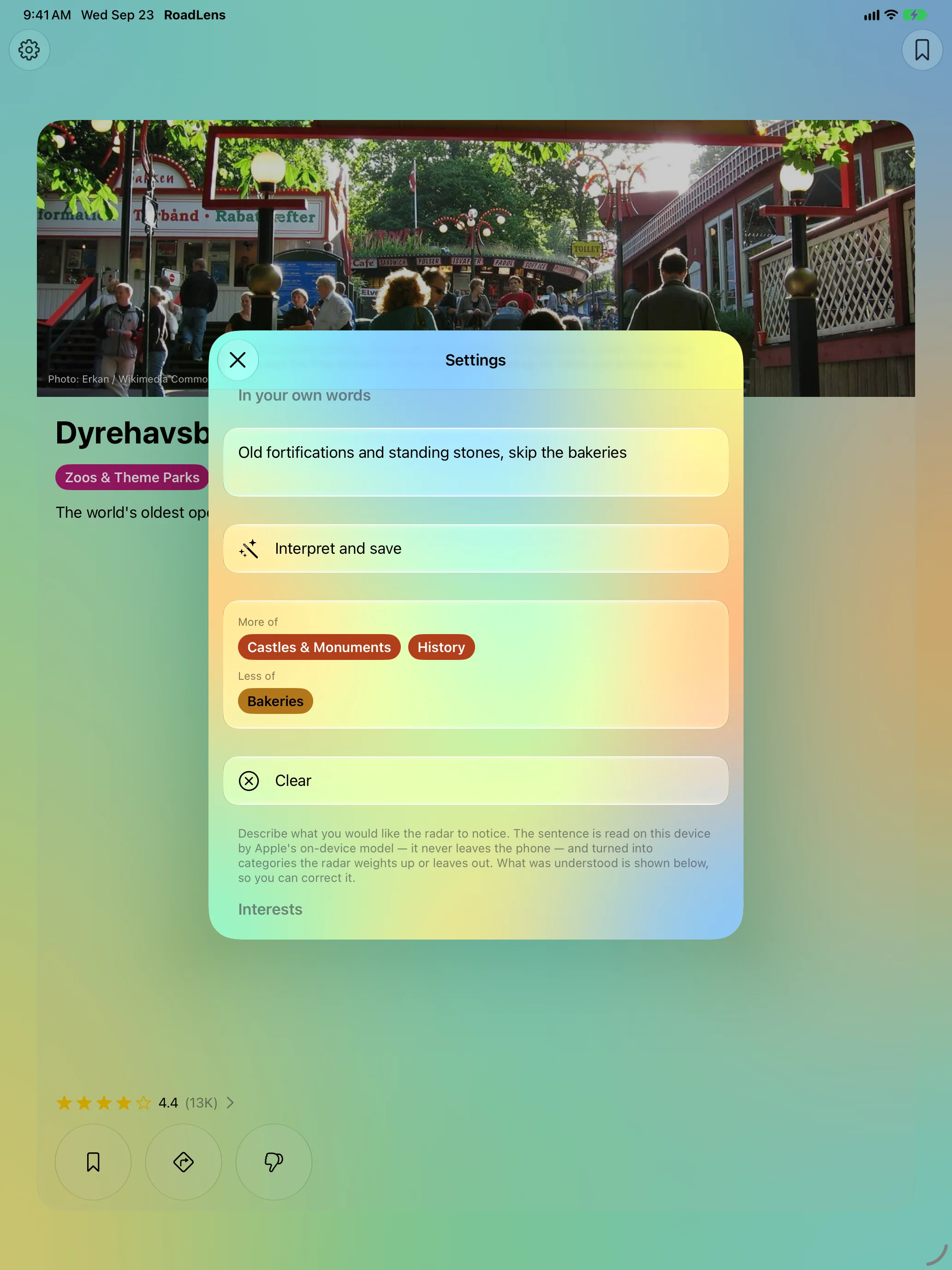
Say What You’re After
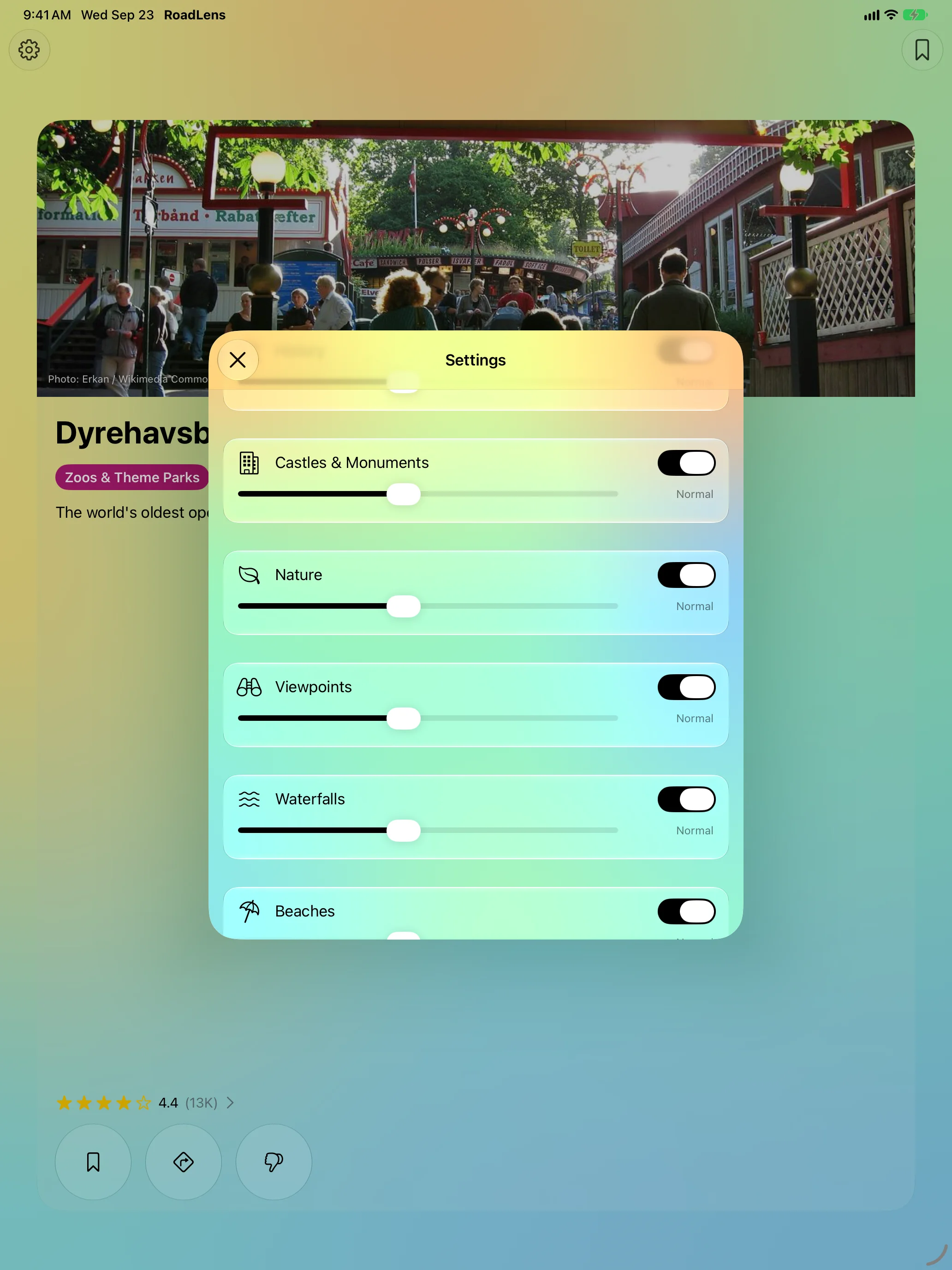
Only What You Care About
Apple Watch
The Same Radar, on Your Wrist
Features
One Card, Two Seconds
The photo is the biggest thing on the card, with the distance and an arrow pointing the way right on it. Nothing scrolls. When several places are close, they stack into a deck behind the front card.
No Route Needed
No destination to type and no route to plan. RoadLens follows where you are heading and only speaks up when something clears the bar.
For the Passenger
Tap the card for what the place is, how far and which way it lies right now, and roughly when you’ll be level with it — then open directions.
Swipe Back, Save for Later
Every place from this drive stays one swipe back along the rail. Save the ones you want for the way home.
Your Interests
Castles, history, nature, viewpoints, waterfalls, beaches, trails, geology, museums, family attractions, bakeries, local food, playgrounds, campsites and stopovers — switch each on or off and tune how often it turns up. On supported devices, just describe what you’re after in a sentence.
On Apple Watch
Not a remote control: the watch runs the same radar on its own and can keep watching for an hour while your phone stays in your pocket.
About
RoadLens is built for the dashboard: large text, big targets, and a screen you can ignore. The card stays quiet until something is genuinely close, and a place you’ve dismissed never comes back.
Distances are measured in a straight line. The road may be considerably longer, and there may be no road at all.
Join the beta
Want a say in where RoadLens goes next? Join the public beta on TestFlight and try new builds before they reach the App Store.
The beta runs in Apple’s TestFlight app. Install TestFlight, then tap Join — TestFlight installs the beta build of RoadLens and offers each new build as it’s ready.
Purchases in TestFlight builds are test purchases: you’re never charged, and they don’t carry over to your account or to the App Store version. Purchases in the App Store version are real — please make sure which version you’re using; we can’t take responsibility for purchases made by mistake.
Spot a bug, a rough edge or a missing feature? Take a screenshot in the beta build and TestFlight offers to send it as feedback, or use Send Beta Feedback in the TestFlight app. Every report is read and helps decide what gets built and fixed next — there’s no support desk behind it, so reports aren’t answered one by one.
To leave the beta, open RoadLens in the TestFlight app and tap Stop Testing.